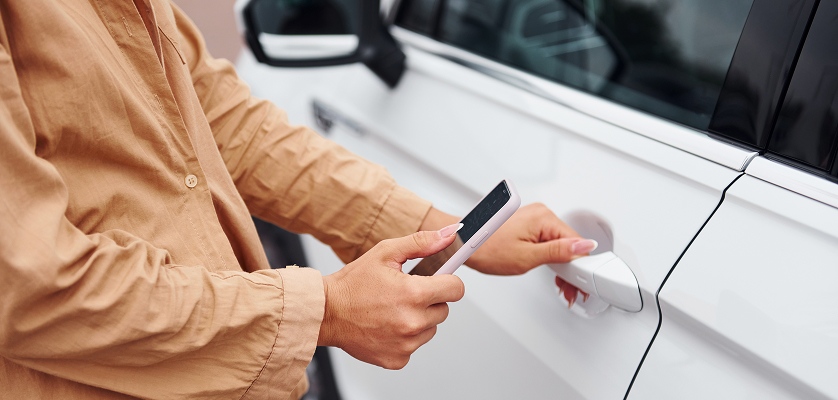
Contactless car rental lets you rent a vehicle without a rental desk or counter. Using a smartphone app, website link or kiosk, you can complete the booking and do the pick-up formalities online.
It is popular with frequent travelers, business professionals and anyone who needs a car at short notice, because it can save time at pick-up and return. This guide covers how it works, what you need, how to stay safe and the mistakes to avoid.
What is contactless car rental?
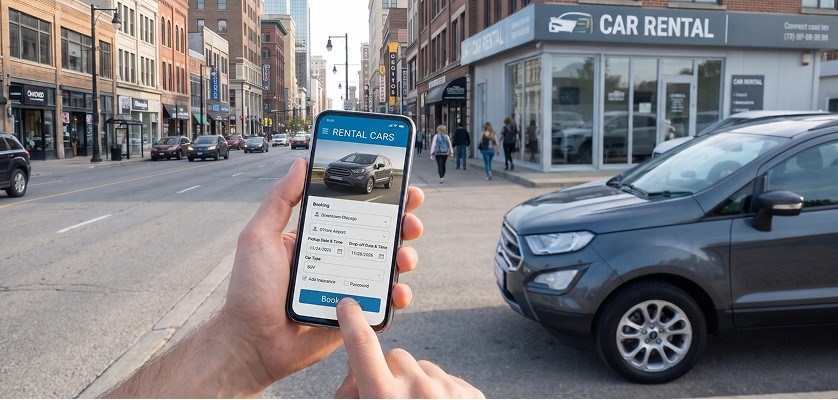
Contactless car rental means you handle the booking, identity checks, pick-up and return through an app, website or kiosk instead of at a rental counter.
Key features include:
- Digital booking through websites or mobile apps
- Keyless entry, so you can unlock the car with your phone
- Automated return without a drop-off clerk
- Self-service kiosks for pick-up and drop-off
- Digital billing and receipts
How to rent a car contactlessly: step by step
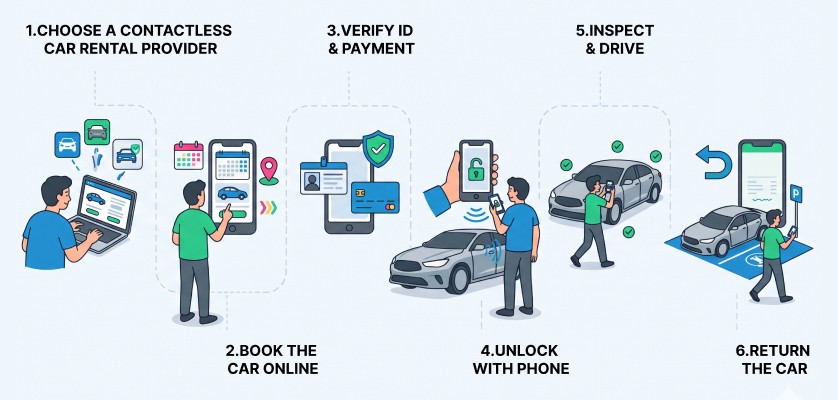
Contactless rental usually takes six steps: choose a supplier, book online, verify your identity and payment details, unlock the car with your phone, drive, and return the car following the app's instructions.
Choose a contactless car rental provider
Some suppliers now offer contactless rental, but availability varies by location, so check that it's offered where you want to pick up the car.
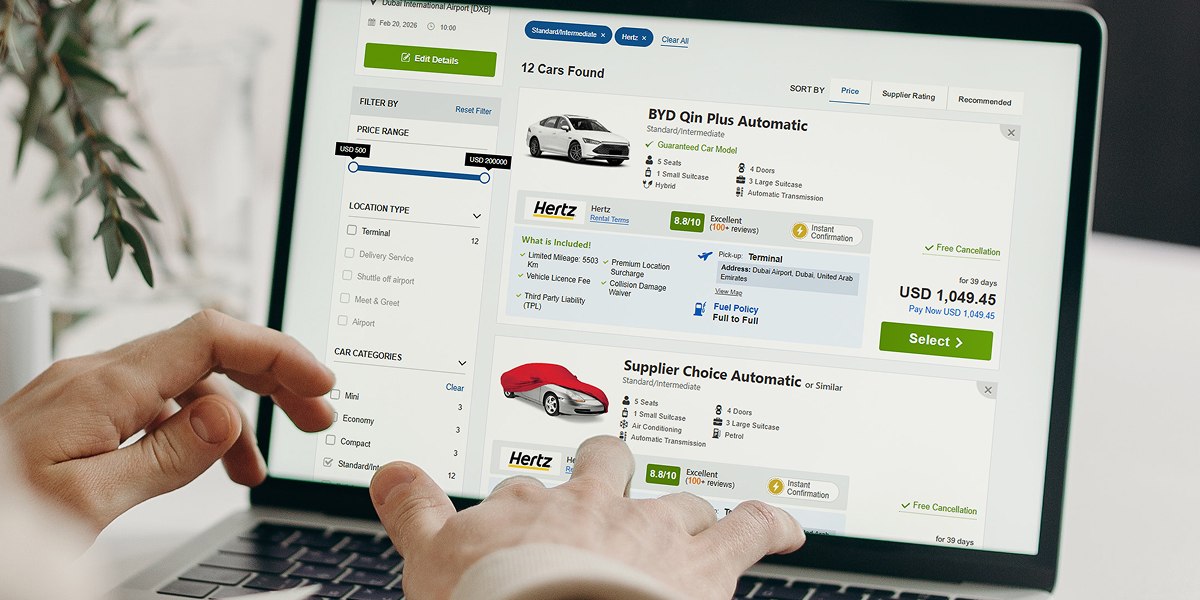
Book the car online
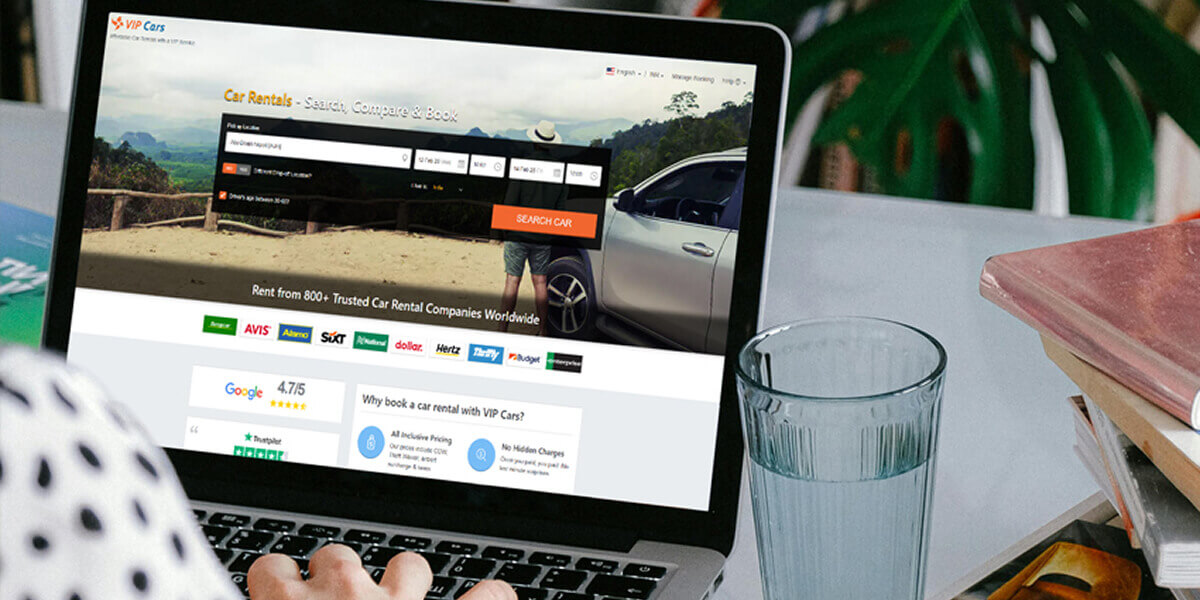
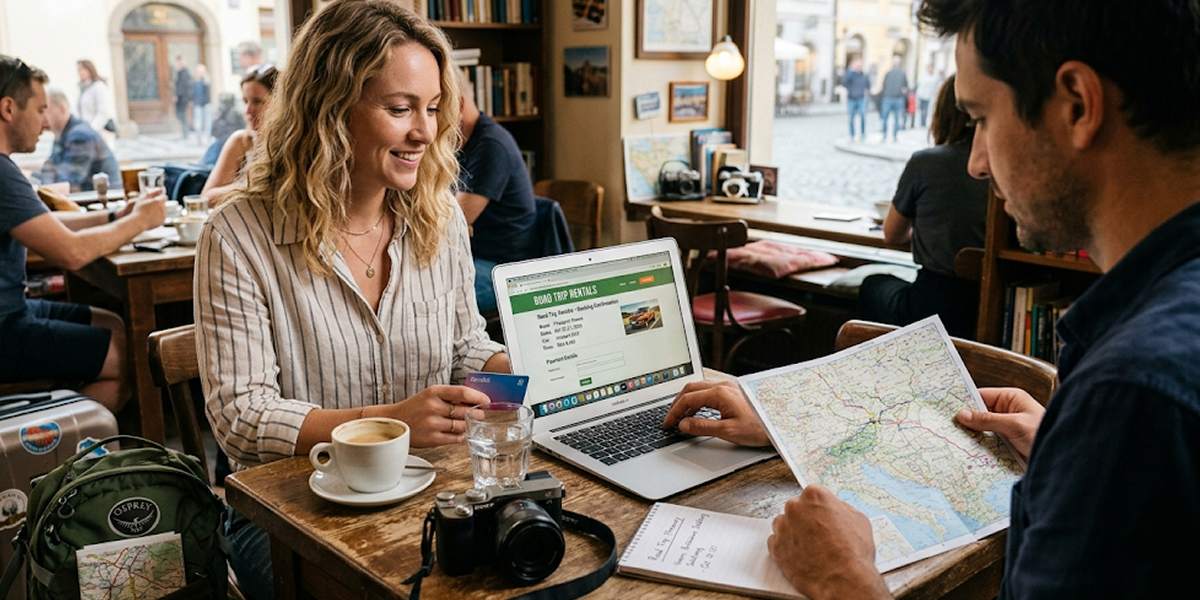
Visit a booking platform or the rental company's website, enter your travel details and choose a car that fits your needs. If offered, select the "contactless" or "keyless entry" option. You can also refer to supplier's rental terms to find out the same.
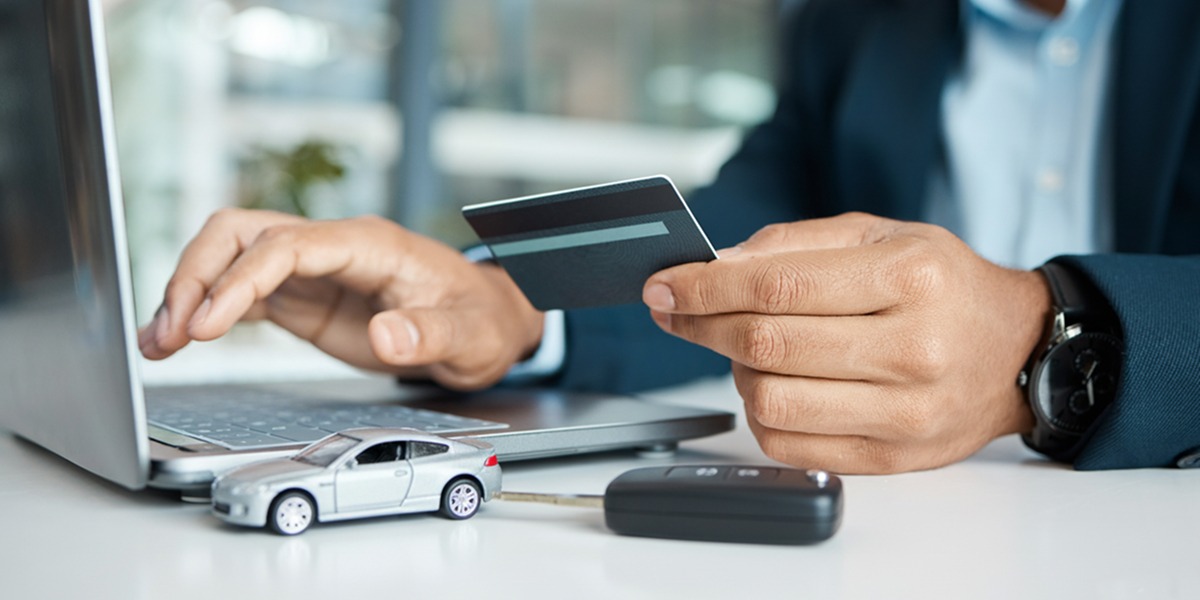
Verify your identity and payment details
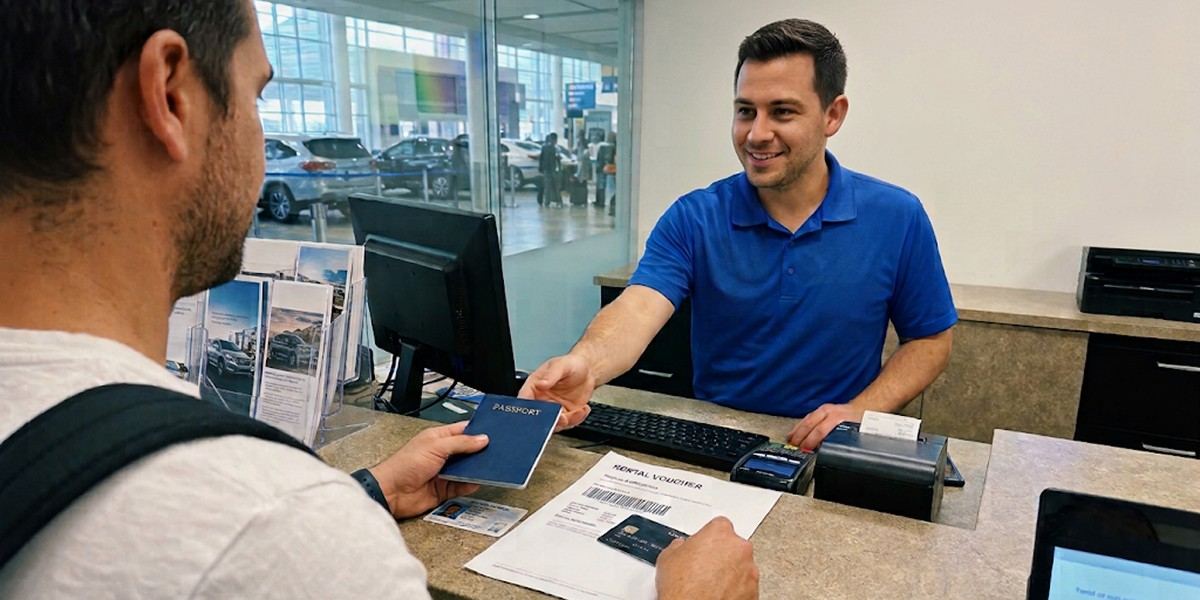
After booking, open the voucher sent by the booking platform. It contains a link to a web page where you can verify your identity and payment details. This usually means uploading your driving license or any other documents the supplier may need and adding your payment details.
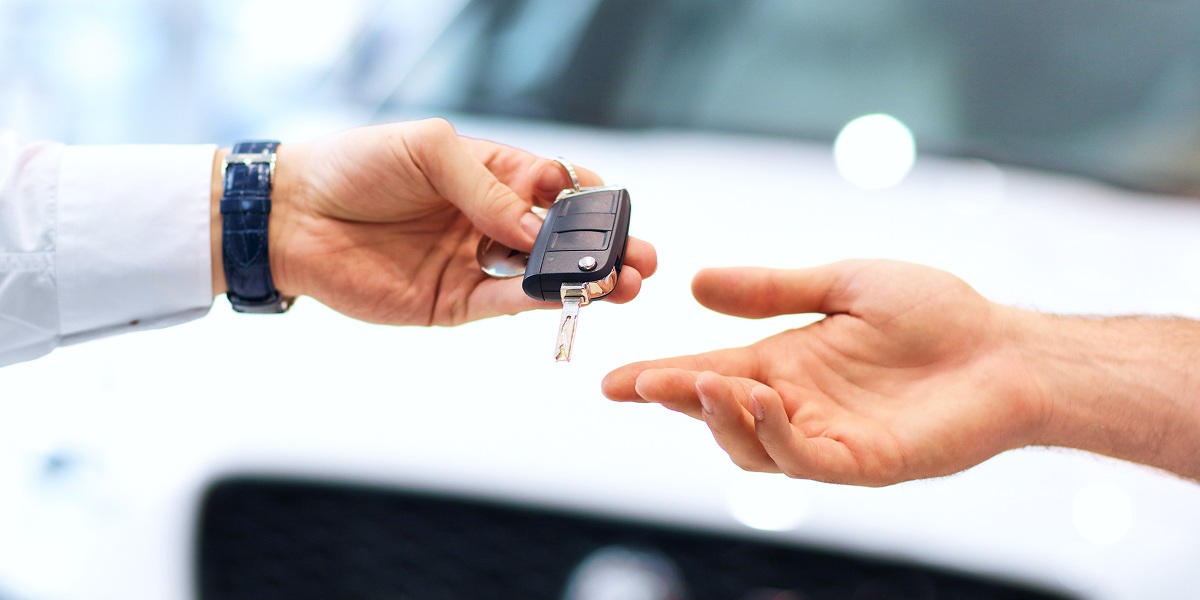
Pick up the car with your phone
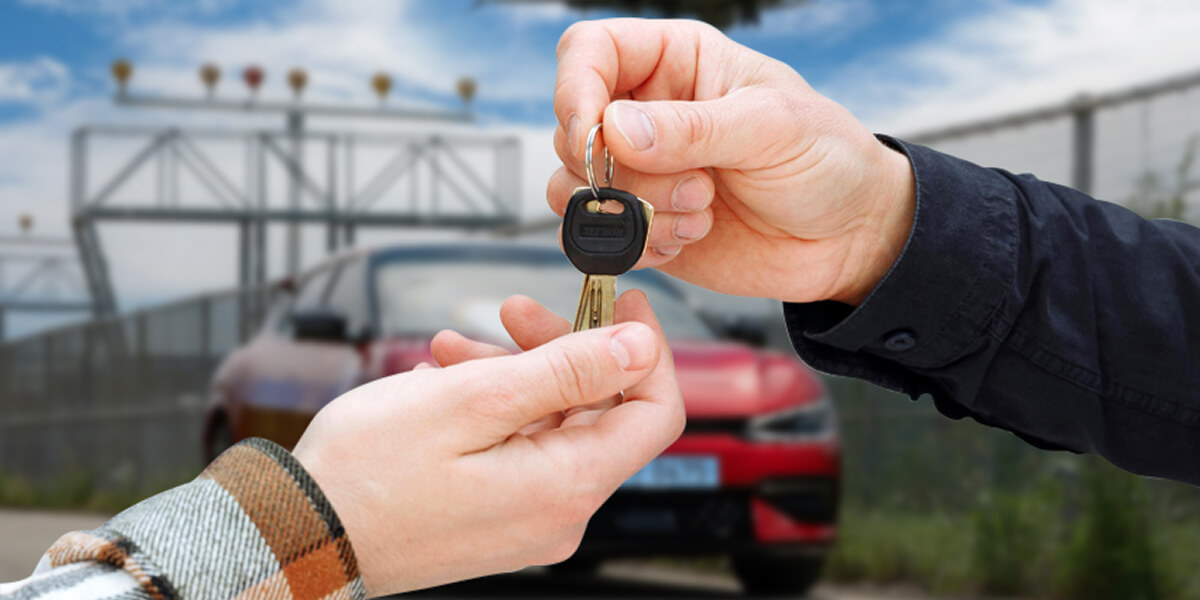
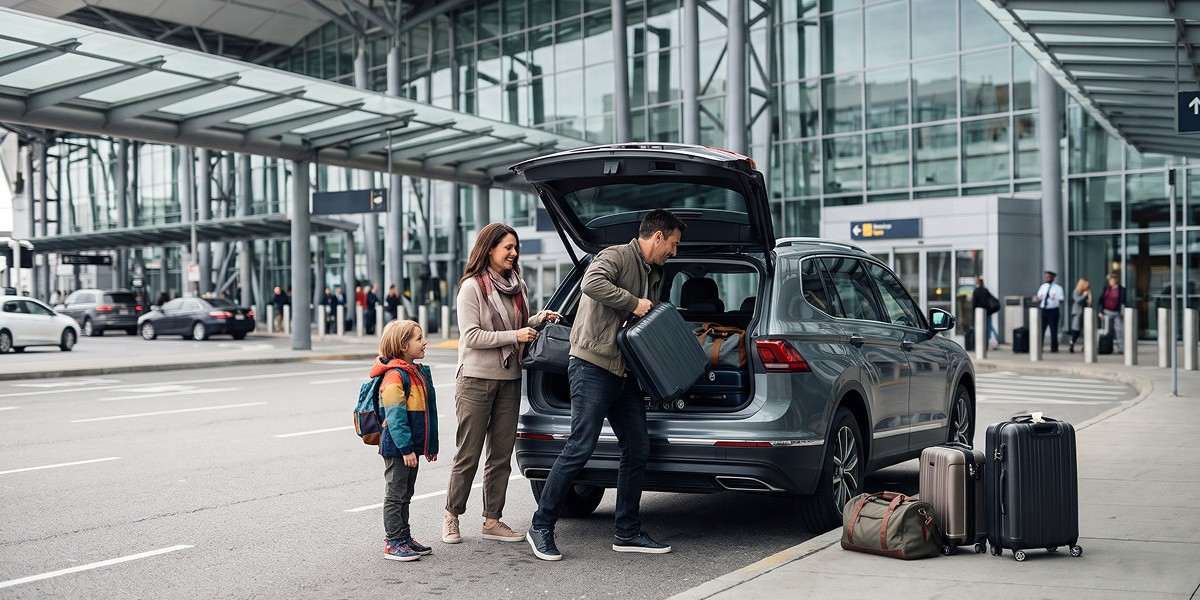
When you arrive, follow the pickup instructions in your confirmation to find your car. Depending on the supplier, you can unlock it with an app, digital key or access code, or the key may be waiting inside the car. You may be asked to show your ID when leaving the lot.
Check the car and start driving
Look over the car and note any damage before you leave (see "Common mistakes" below). The app or rental system usually explains any special features, such as GPS, Apple CarPlay or Bluetooth.
Return the car
Follow the supplier's return instructions. Some services let you drop the car at designated spots, while others ask you to use a specific lot. Once it's returned, you'll receive a digital receipt and any charges go to your payment method.
Good to know: Can you skip the rental counter?
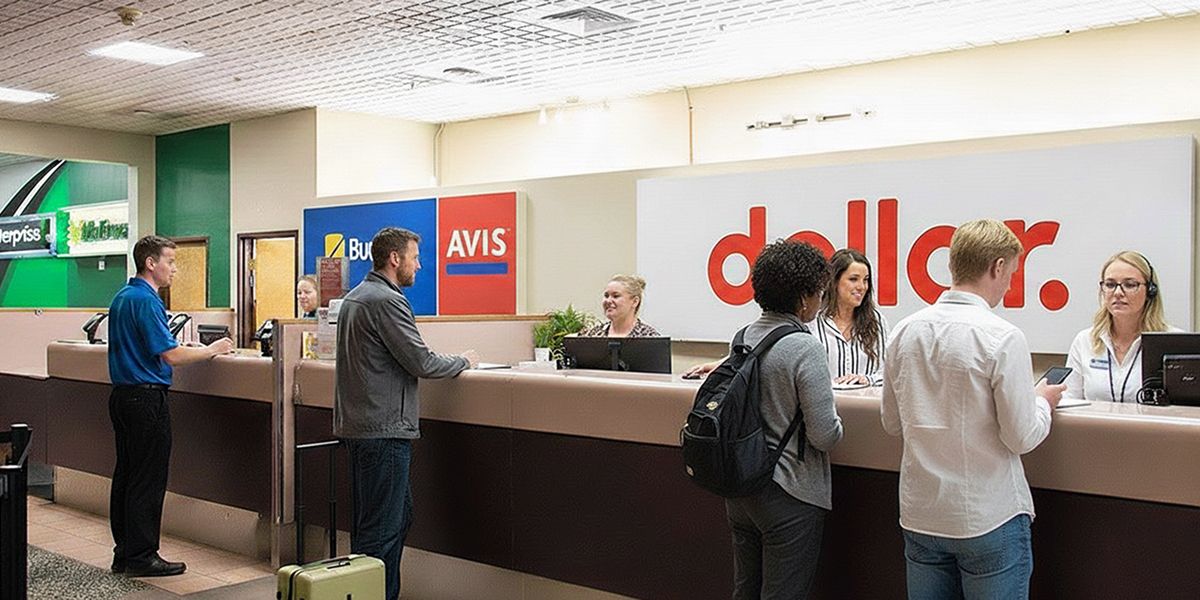
At some locations, yes. You complete the identity, license and payment steps online using the link in your booking voucher, then go straight to your car. Availability depends on the rental supplier and pickup location, so check your voucher for what applies.
What do you need to book a contactless rental?
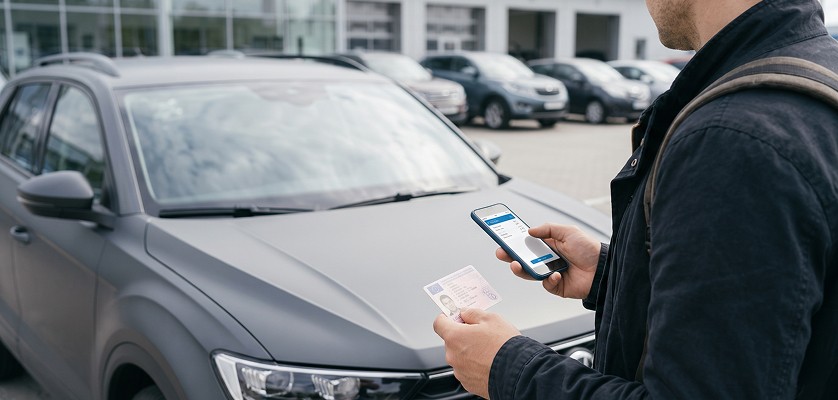
Requirements to book a contactless rental car vary by supplier and location, but these are the basics.
A valid driving license
Your license should be valid and meet the supplier's age requirements. If you are traveling internationally, or if your supplier asks for it, you may also need an International Driving Permit (IDP).
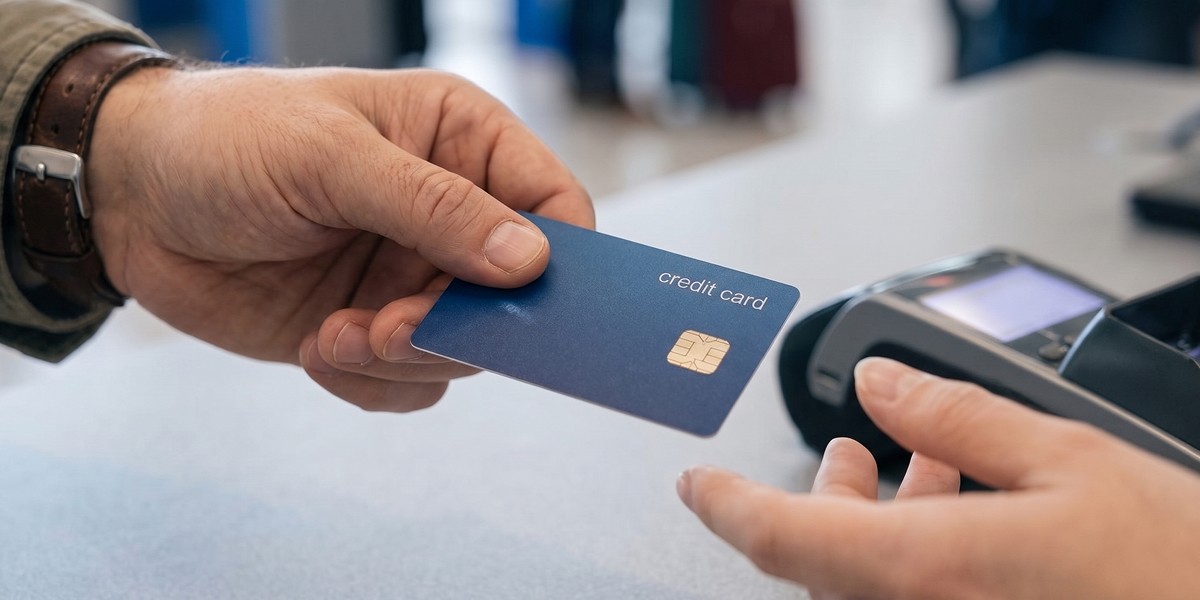
A credit card
Many suppliers ask for a credit card in the main driver's name to hold a refundable security deposit. Some may accept other payment methods, so check your supplier's terms.
A smartphone with the app
You'll usually need the rental company's app installed to unlock the car and complete the rental. Keep your phone charged.
Meeting the age requirement
Some suppliers set a minimum age, often around 21 or 25, and may charge extra for younger drivers.
Is contactless car rental safe?
Reputable suppliers use identity checks and secure apps to help protect both the renter and the vehicle. Here's what these typically include:
Secure apps and websites
Booking platforms are generally built with security measures to protect your personal and payment details.
Identity verification
Many suppliers verify your identity before you can access a vehicle, which helps reduce fraudulent bookings.
Keyless entry
There are no physical keys to lose, and the digital key is usually tied to the booked driver.
Digital billing
Receipts and charges are recorded in your app or email, which makes it easier to review your rental.
Common mistakes to avoid with contactless car rentals
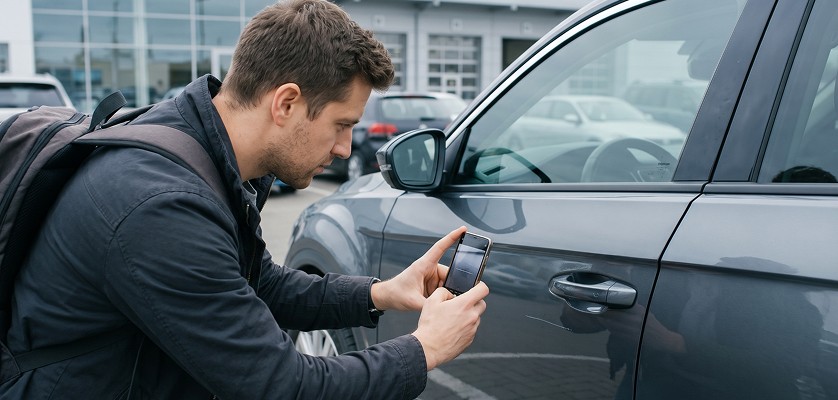
While renting a car contactlessly is simple, there are a few things to check at pick up which are often overlooked by customers. Understand these common mistakes so you do not make them:
Not reading the terms and conditions
Check the cancellation policy, fuel policy and any additional fees before you book.
Skipping the vehicle inspection
You won't have an in-person walkaround, so inspect the car yourself at pick-up. Take photos of any damage, and report it in the app before you drive away, so you aren't charged for pre-existing issues.
Not keeping your profile up to date
Make sure your details and documents in the app are current so verification isn't delayed. Install the app and sign in before you travel, not at the pick-up spot.
Not understanding the return process
Return instructions can differ by supplier, such as where to park or how to finish the return in the app. Missing a step could lead to fines or additional charges.
What should you do if something goes wrong with your contactless car rental?
The app won't open or your phone dies
Charge your phone before you arrive, and have your booking confirmation and the supplier's support contact saved offline. If you can't unlock the car, contact the supplier using the details in your confirmation.
You are returning after hours
Check after-hours return instructions in advance. Many contactless suppliers allow it, but the details depend on the location.
You notice damage
Photograph it and report it in the app before you drive away.
You need to change or cancel your booking
Use your booking confirmation voucher and check any fees or time limits first.
Key takeaways
Contactless rental lets you book, unlock and return a car through your phone. Check that your supplier offers it at your pick-up location, keep your documents and app ready, and inspect the car before you drive off.
Contactless availability, requirements and fees vary by supplier and location. Check your booking terms before you travel.
Contactless car rentals: your top questions answered
Are contactless rentals available at all locations?
No. Not all suppliers offer contactless service at every location, so check your pick-up location before you book.
Is there an additional fee for contactless car rentals?
Some suppliers may charge extra for contactless service, while others include it. Check what's included in your rental.
Can I cancel or modify a contactless car rental booking?
Usually yes, but fees or time limits may apply. Check your supplier's policy.
How does contactless pick-up work?
Verify your documents in the app, go to the designated parking spot, unlock the car with your phone or access code, check it for damage and confirm pick-up digitally.
What if the app doesn't work or my phone dies?
Charge your phone and save your booking confirmation before you travel. If you can't unlock the car, contact the supplier using the details in your confirmation.
Can I do a contactless rental without a smartphone?
Usually you need a device with internet access, such as a phone, tablet or computer, to complete the online steps through the link in your booking voucher. Some locations also use access codes or kiosks. Check your voucher or ask the supplier before you travel.
Can I use a debit card for a contactless rental?
It depends on the supplier and location. Many ask for a credit card in the main driver's name for security deposit, so check the payment requirements in your booking terms.
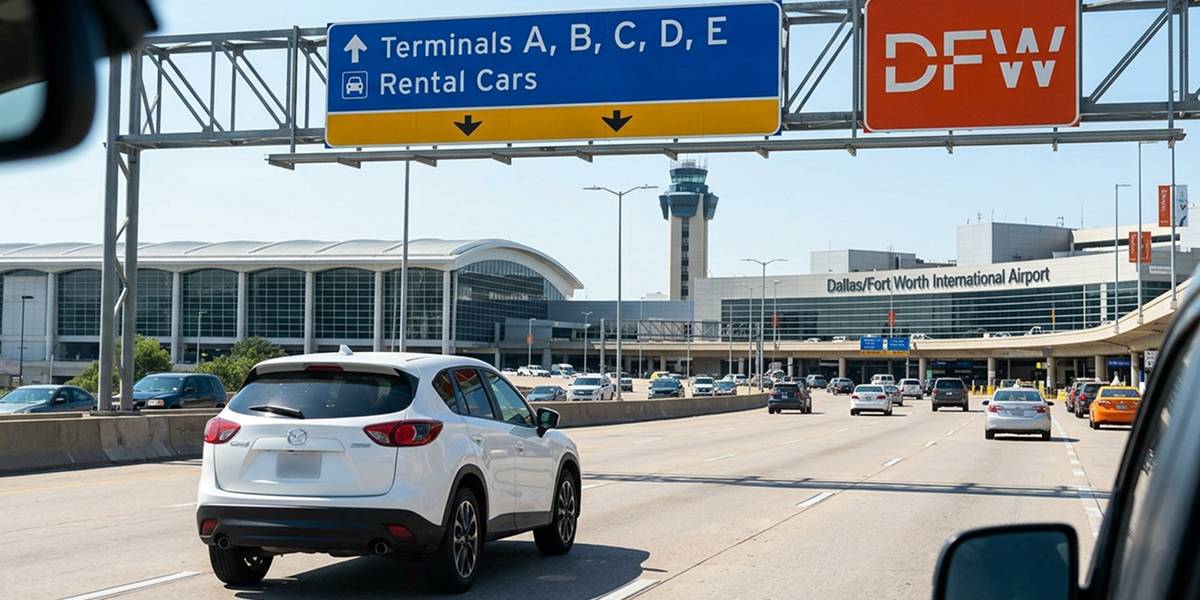
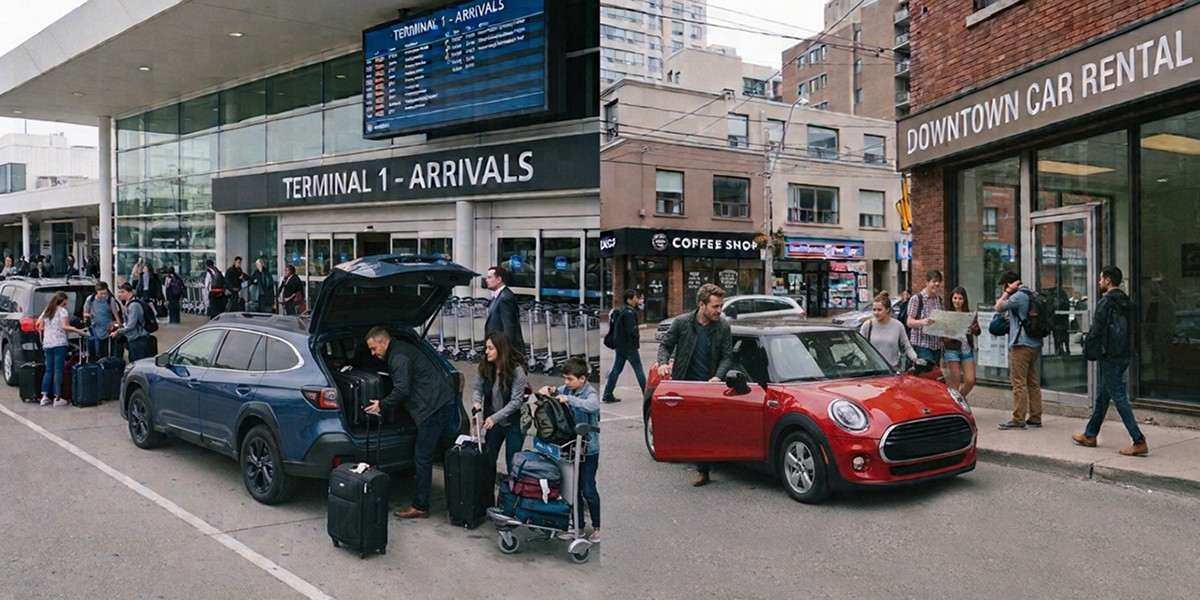
Is contactless rental available at airports?
Some airport locations offer it, but availability varies. Check your pick-up location before booking.
Can I add an additional driver to a contactless car rental?
Yes, you can add an additional driver to a contactless car rental.





























































































'%3E%3Ccircle cx='0' cy='0' r='7' fill='%23fff'%3E%3CanimateTransform attributeName='transform' type='scale' begin='-0.24691358024691354s' calcMode='spline' keySplines='0.3 0 0.7 1;0.3 0 0.7 1' values='0;1;0' keyTimes='0;0.5;1' dur='0.6407407407407407s' repeatCount='indefinite'/%3E%3C/circle%3E%3C/g%3E%3Cg transform='translate(50 50)'%3E%3Ccircle cx='0' cy='0' r='7' fill='%23fff'%3E%3CanimateTransform attributeName='transform' type='scale' begin='-0.12345679012345677s' calcMode='spline' keySplines='0.3 0 0.7 1;0.3 0 0.7 1' values='0;1;0' keyTimes='0;0.5;1' dur='0.6407407407407407s' repeatCount='indefinite'/%3E%3C/circle%3E%3C/g%3E%3Cg transform='translate(75 50)'%3E%3Ccircle cx='0' cy='0' r='7' fill='%23fff'%3E%3CanimateTransform attributeName='transform' type='scale' begin='0s' calcMode='spline' keySplines='0.3 0 0.7 1;0.3 0 0.7 1' values='0;1;0' keyTimes='0;0.5;1' dur='0.6407407407407407s' repeatCount='indefinite'/%3E%3C/circle%3E%3C/g%3E%3C/svg%3E)