The travel and car rental industries have evolved rapidly over the past few years, especially with the advent of digital technologies. One of the most significant innovations is the rise of contactless car rentals, a service that allows customers to hire a vehicle without any physical interaction. Whether you are a frequent traveler or someone looking for convenience, this will help you access the vehicle safely and hassle-free.
In this guide, we will break down what contactless car rentals are, provide a step-by-step guide to renting a vehicle contactlessly, discuss requirements, address security concerns, highlight common mistakes and answer some of the top questions. By the end of this article, you will be ready to master the contactless rentals process like a pro.
What is contactless car rental?
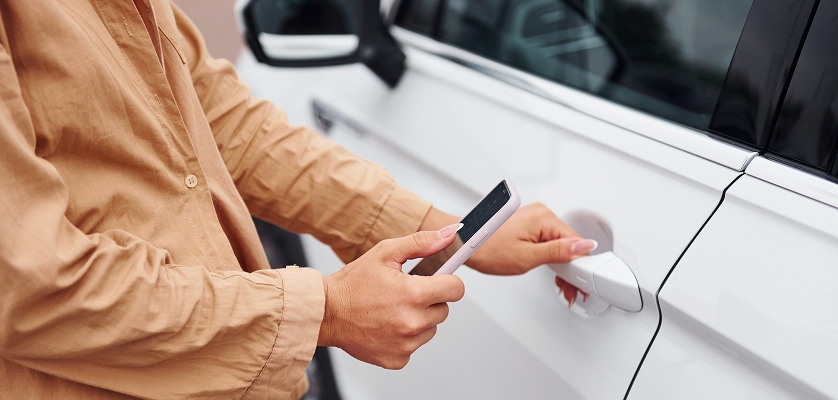
Contactless car rental is a modern solution that enables you to rent a vehicle without interacting with anyone in person. Using a smartphone app, website or kiosk, you can complete the entire booking and pick-up process digitally. This method is especially convenient during times when contactless transactions are preferred for health and safety reasons, such as during periods when health and safety concerns are a priority. It also offers speed, convenience and flexibility, making it a favorite among travelers, business professionals and those in need of a vehicle at short notice.
Some of the key features of this service include:
- Digital booking via websites or mobile apps
- Keyless entry that allows you to unlock the car using your phone
- Automated car return without the need for a drop-off clerk
- Self-service kiosks for pick-up and drop-off
- Instant billing and digital receipts
Step-by-step guide to renting a car contactlessly
Renting a car contactlessly is a straightforward process that can be completed in just a few steps. Here is a breakdown of all these:
-
Choose a contactless car rental provider
Begin by selecting a supplier that offers contactless car rental. Many major providers now offer this feature but it is best to check if the service is available in the area where you wish to rent a car. Companies like Enterprise, Hertz, Alamo and Avis offer these services.
-
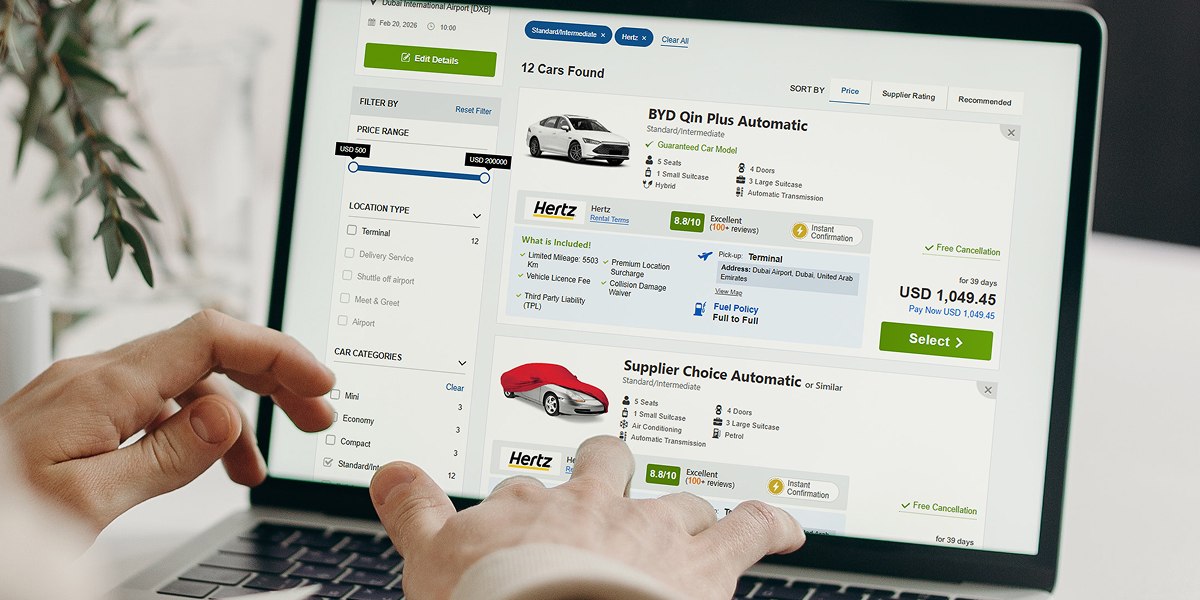
Book the car online
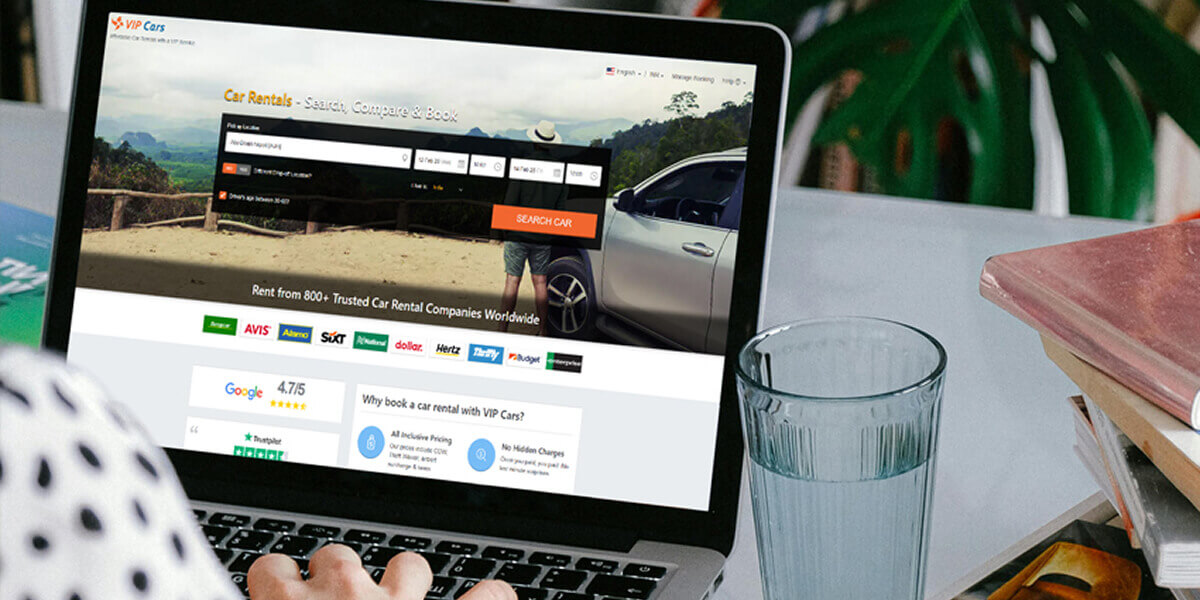
Visit an aggregator’s website or the rental company’s website directly and fill in your travel details in the search box. You will be able to view available cars and choose one that fits your needs. Ensure you select the "contactless" or "keyless entry" option, if offered.
-
Verify your identity and payment information
Complete the identity verification process through the app or website. This often involves uploading your driving license and providing your payment details. Some companies may require a refundable security deposit on your credit card for duration of the rental.
-
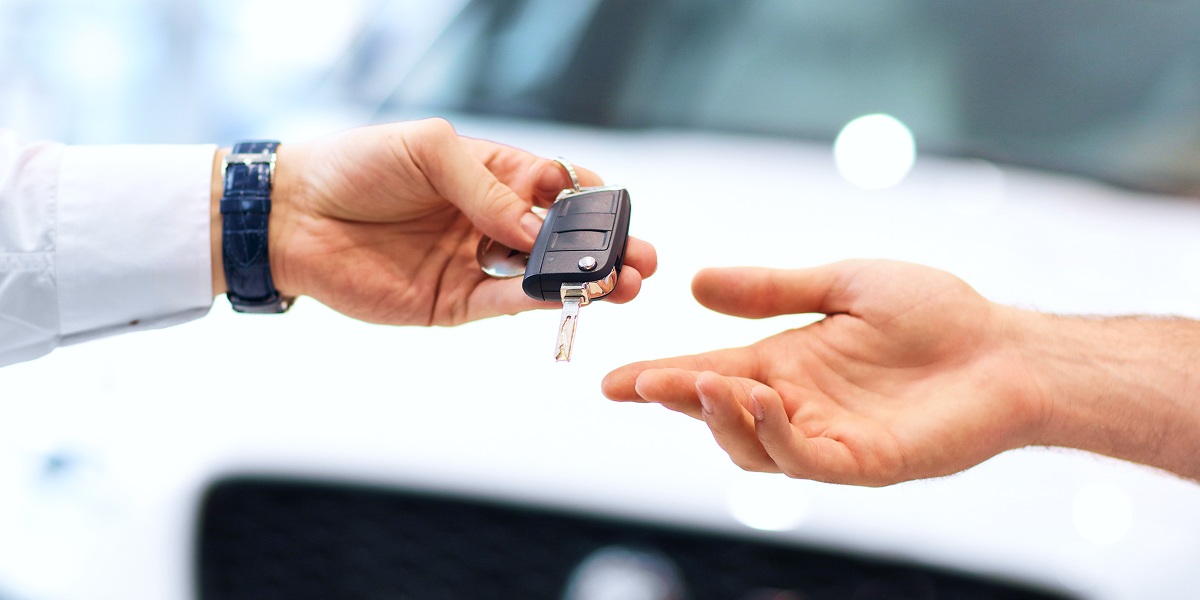
Unlock the car with your smartphone
Upon arrival at the car rental location, you will not be required to interact with anyone. Using the app or a mobile-compatible system, you can unlock the car remotely. This eliminates the need for physical keys, making the process faster and safer.
-
Drive and enjoy your trip
Once the car is unlocked, you are free to begin your journey. The rental system typically includes instructions for any special features of the car, like GPS or Bluetooth.
-
Return the car easily
When it is time to return the vehicle, simply follow the provided instructions in the app. Some services allow you to drop the car off at designated spots, while others may require you to return it to a specific lot. Once returned, you will receive an instant receipt, and any charges will be billed directly to your payment method.
Requirements for booking a contactless rental car
While the process is simple, there are a few basic requirements for booking a contactless rental car.
-
Valid driver’s license
Ensure that your driving license is valid and matches the age requirements set by the company. Additionally, an International Driving Permit (IDP) may have to be provided if traveling internationally or if your supplier requires it.
-
Credit card
Most car rental companies require credit card in the main driver’s name to hold a refundable security deposit.
-
Smartphone with app
A smartphone with the rental company’s app installed is essential for unlocking the vehicle and completing the rental process.
-
Age restrictions
Some rental companies impose age restrictions, typically requiring renters to be at least 21 years or older (with additional fees for younger drivers).
Is contactless car rental safe and secure?
Yes, contactless car rentals are absolutely safe and secure when you book with reputable suppliers. These companies employ modern security measures to ensure the protection of both the renter and the vehicle. Here’s how:
- Digital security: The apps and websites used for booking are encrypted and protected against fraud.
- Identity verification: Many rental companies require identity verification before you can access a vehicle. This minimizes the risk of fraudulent bookings.
- Keyless entry: With keyless entry systems, there is no risk of losing or misplacing keys and the car can only be unlocked by authorised user.
- Automated billing: Contactless rentals often feature automatic billing and receipt generation, making transactions transparent and secure.
Common mistakes to avoid with contactless car rentals
While renting a car contactlessly is simple, there are a few things that could lead to complications.
-
Not reading terms and conditions
Before booking, carefully read the rental company’s terms and conditions. Pay attention to cancellation policies, fuel policies and any additional fees.
-
Failing to inspect the car
While you skip the in-person walkaround, it is crucial to inspect the car yourself upon pick-up. Take photos of any damage before you drive away to avoid being charged for pre-existing issues.
-
Not updating your app
Make sure your app is up to date with all your personal details (like your driver’s license) to avoid delays during the verification process.
-
Not understanding the return process
Some rental services may have specific drop-off instructions, such as where to park the car or how to finalize the return process. Failing to follow these steps could result in fines or additional charges.
Wrapping up: Mastering contactless car rentals
By now, you should have a clear understanding of how to rent a car contactlessly. With the ability to book, unlock and return rental cars entirely digitally, you can get around safely and conveniently without interacting with anyone. To ensure the best experience, remember to choose a reliable provider, read the agreement’s terms thoroughly and inspect the vehicle before driving off. With these simple tips, you will enjoy the freedom of contactless rental without any hiccups.
Contactless car rentals: Your top questions answered
-
Are contactless rentals available at all locations?
Not all suppliers offer contactless services at all locations. Always check ahead if they are available at your pick-up location.
-
Is there an additional fee for contactless car rentals?
Some suppliers may ask for an additional charge for providing contactless services, while others may include it as part of their standard service. Read the inclusions and terms carefully to learn the related information.
-
Can I cancel or modify a contactless car rental deal?
Yes, you can cancel or modify your booking, but make sure to review the car rental company’s policy for any potential fees or time restrictions.
-
How to do contactless car rental pick up?
- Complete the booking and verify your documents online or through the rental app.
- On the pickup day, go to the designated parking location shared in the app or confirmation email.
- Unlock the car using the app, digital key or access code.
- Inspect the vehicle, confirm pick-up digitally and start driving.





























































































































'%3E%3Ccircle cx='0' cy='0' r='7' fill='%23fff'%3E%3CanimateTransform attributeName='transform' type='scale' begin='-0.24691358024691354s' calcMode='spline' keySplines='0.3 0 0.7 1;0.3 0 0.7 1' values='0;1;0' keyTimes='0;0.5;1' dur='0.6407407407407407s' repeatCount='indefinite'/%3E%3C/circle%3E%3C/g%3E%3Cg transform='translate(50 50)'%3E%3Ccircle cx='0' cy='0' r='7' fill='%23fff'%3E%3CanimateTransform attributeName='transform' type='scale' begin='-0.12345679012345677s' calcMode='spline' keySplines='0.3 0 0.7 1;0.3 0 0.7 1' values='0;1;0' keyTimes='0;0.5;1' dur='0.6407407407407407s' repeatCount='indefinite'/%3E%3C/circle%3E%3C/g%3E%3Cg transform='translate(75 50)'%3E%3Ccircle cx='0' cy='0' r='7' fill='%23fff'%3E%3CanimateTransform attributeName='transform' type='scale' begin='0s' calcMode='spline' keySplines='0.3 0 0.7 1;0.3 0 0.7 1' values='0;1;0' keyTimes='0;0.5;1' dur='0.6407407407407407s' repeatCount='indefinite'/%3E%3C/circle%3E%3C/g%3E%3C/svg%3E)