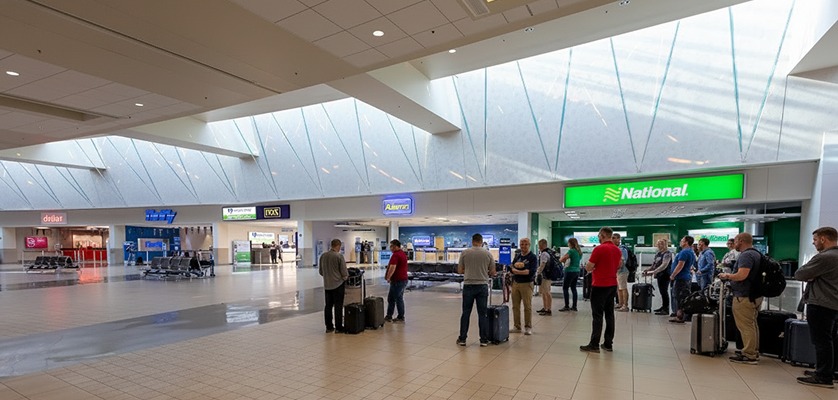
So you landed at PHX, Arizona - Now what? (The reality of rental cars at airport)
Most people get excited thinking that their trip has finally begun after they land. But, the truth is - your trip actually starts when you hit the road. Renting a car at Sky Harbor International Airport isn’t just another box to tick on your travel checklist - you’re about to unlock the freedom of exploring the city your way.
No waiting, no schedules, no rush - just a simple and smooth car rental process to follow and you are on the road in no time, heading exactly where you want. While the experience at PHX is designed to be effortless, knowing a few insider details can make it a lot simpler and faster.
From where to pick up your rental car to how to move through the airport - here’s everything you need to turn a good start into a great one.
Getting to the Phoenix Sky Harbor rental car center
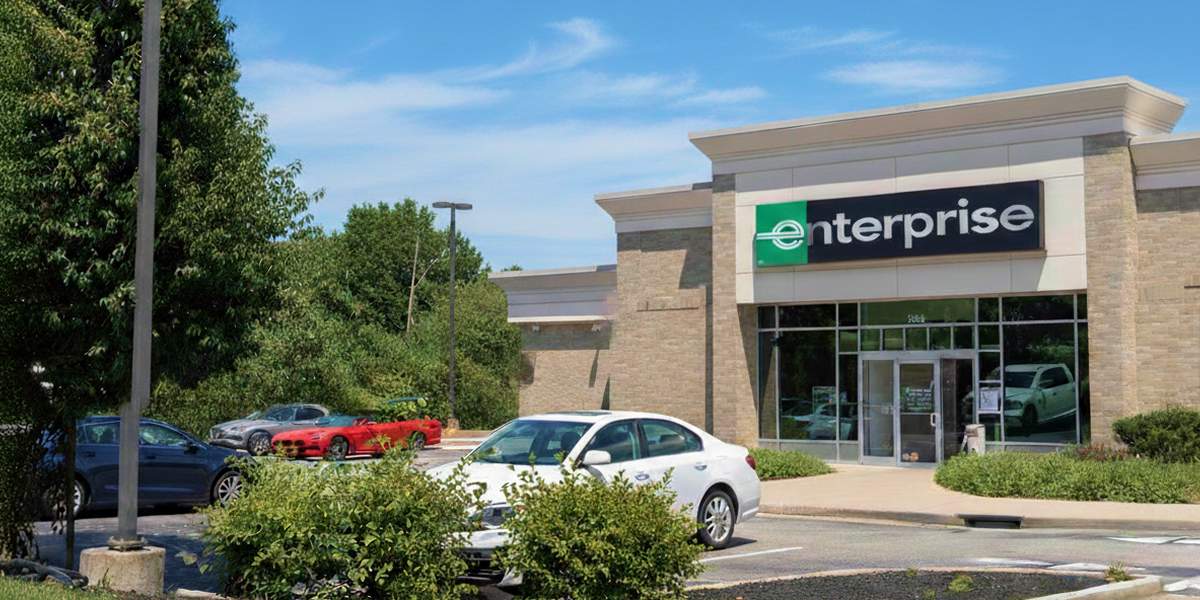
The Phoenix Sky Harbor International Airport (Arizona) operates a rental car center facility at a short distance from the main terminals - Terminal 3 and Terminal 4. All major car rental companies can be found within the center -
Top car rental companies:
 Alamo
Alamo- Enterprise
- National
- Hertz
- Dollar
- Thrifty
- AVIS
- Budget
- Sixt
- Fox Rent a Car
 Alamo
Alamo Enterprise
 National
 Hertz
Hertz Dollar
 Thrifty
 AVIS
AVIS Budget
 Sixt
Sixt Fox Rent a Car
Getting there is simple. Here’s how it works:
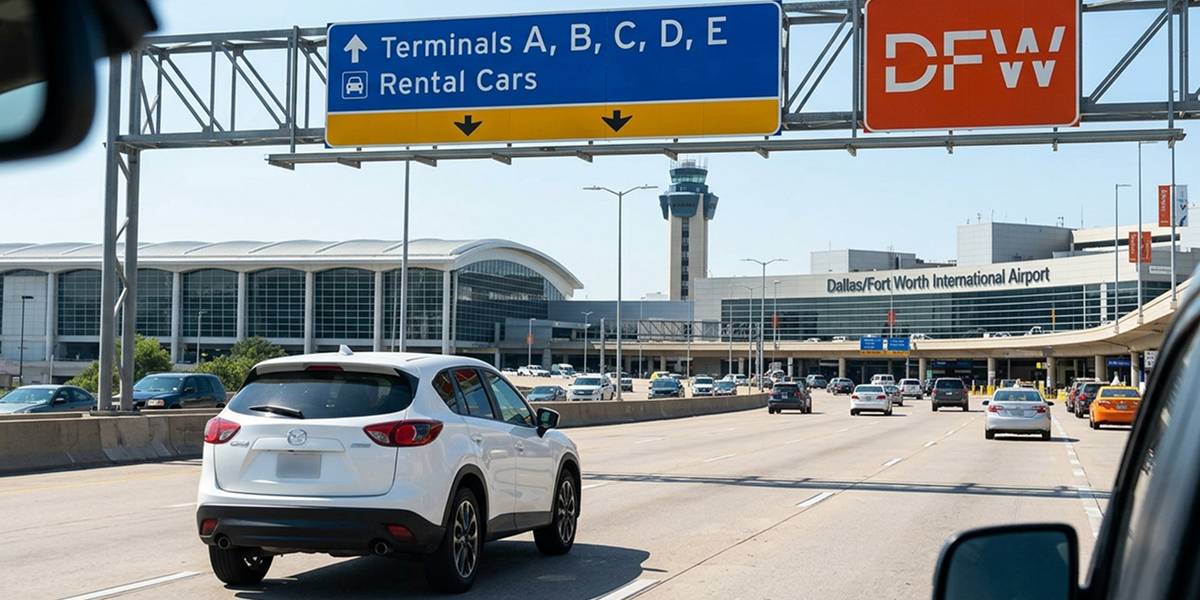
- Follow the signs after baggage claim: After you land, claim your baggage and carefully look for the signs - Train to rental cars or Shuttle to rental car center. You will find them at all main terminals.
- Take the free airport sky train: The sky train at PHX is a free and automated train service within the airport, connecting all main terminals to the rental car center. The train will take about 5 - 10 minutes to take you to the facility and runs 24/7.
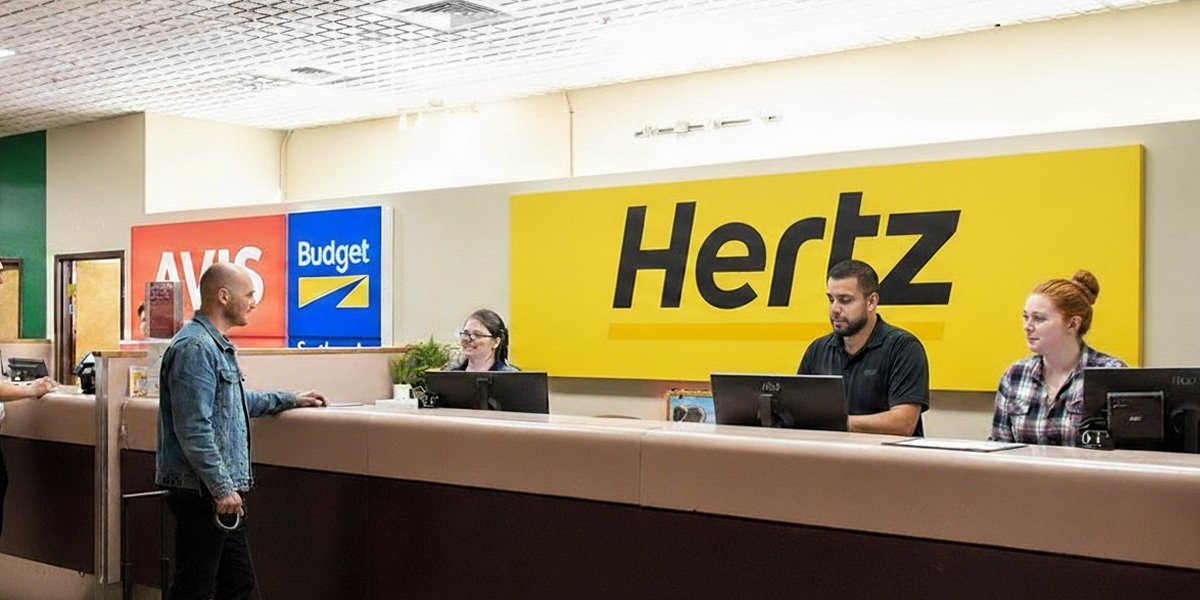
- Arrive at the rental car center: The rental car center is located at 1805 E. Sky Harbor Circle South (between 16th Street and 24th Street, south of Buckeye Road). It is a large, multi-level facility that houses all major car rental companies. When you arrive -
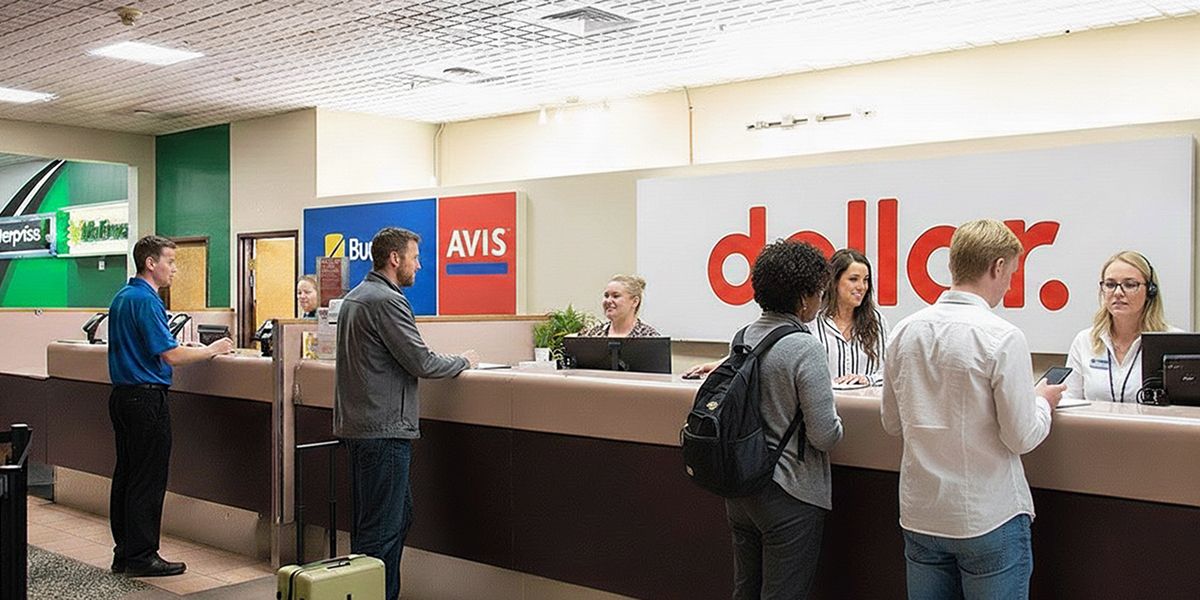
- Find your car rental company’s desk and reach out.
- Get your details verified and cross-check the rental terms.
- Follow the directions to your rental car, do a quick check, get familiar with it, and complete the pickup process.
Tip for late-arrivals: Although most suppliers operate 24/7 at Sky Harbor International Airport, it’s best to inform your supplier in advance if you expect a delay, such as a late flight. Contact details of the supplier are available on your voucher. While many suppliers offer a grace period, exceeding it may result in a “no-show,” so timely communication is important.
Terminal confusion is real - Know where you’re headed
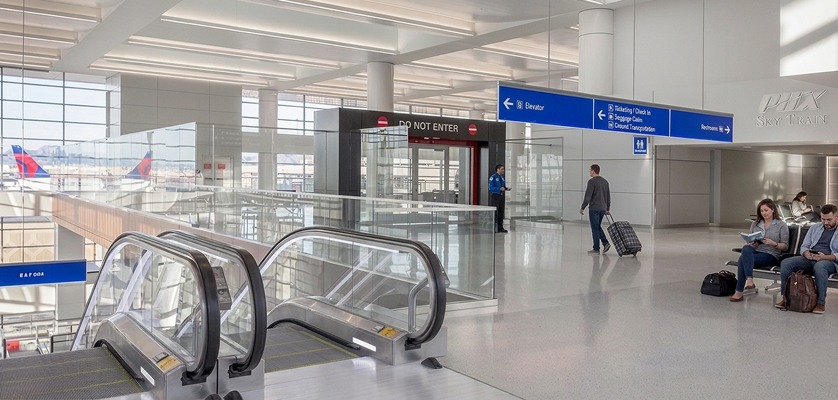
At Sky Harbor International Airport, not all terminals work the same way when it comes to car rentals. And that’s where most travelers get confused - here’s the reality.
- The Sky Harbor Airport in Arizona has multiple terminals but Terminal 3 and Terminal 4 are the main ones - each with its own baggage claim and exit points.
- Rental cars are not located inside the terminal, regardless of which terminal you land at.
- You cannot just walk to your car rental desk, rather, you have to take the Sky Train to reach the facility.
- Cross-check your terminal so you know your pickup point. If still confused, ask the airport staff and they will guide you through.
What to expect during pickup at Sky Harbor Airport
While the rental car process is simple, there’s a lot happening behind the scenes to ensure everything is ready for you. At Sky Harbor Airport, there may be times when your rental car isn’t immediately available at pickup, but this is usually part of the process and handled efficiently.
Before handing over the keys, every rental car goes through final checks - cleaning, fueling, and inspection. This ensures you receive a vehicle that’s ready for a comfortable and hassle-free drive.
And, during busy hours, a short wait at a rental car center is completely normal. Most pickups are completed within 15 - 45 minutes, depending on demand and time.
Overall, the process is designed to be smooth and flexible, ensuring you get a well-prepared car and can start your trip right after.
Take a quick moment to inspect your car
Before you drive off from Sky Harbor Airport, a quick check of the vehicle helps you get familiar with it and ensures everything is in good condition for a smooth journey.
- Look for scratches, damages, or dents, before leaving the rental desk.
- Click pictures or make videos of the car from inside out as proof of its condition.
- Check fuel and mileage, and match them with your rental terms - full tank to be expected in case of full to full fuel policy.
- Ensure horn, lights, indicators, tyres, and AC are working properly before you drive away.
Rental car categories at Sky Harbor Airport, Arizona
Top car rental companies at PHX - Alamo, National, Hertz, Dollar, Enterprise, Budget, etc. offer best deals for various car categories such as:
- Economy car rentals
- Compact car rentals
- Standard car rentals
- Full-size car rentals
- Minivan/Van rentals
- SUV rentals
- Convertible car rentals
- Luxury car rentals
Car rental pickup strategies that actually work
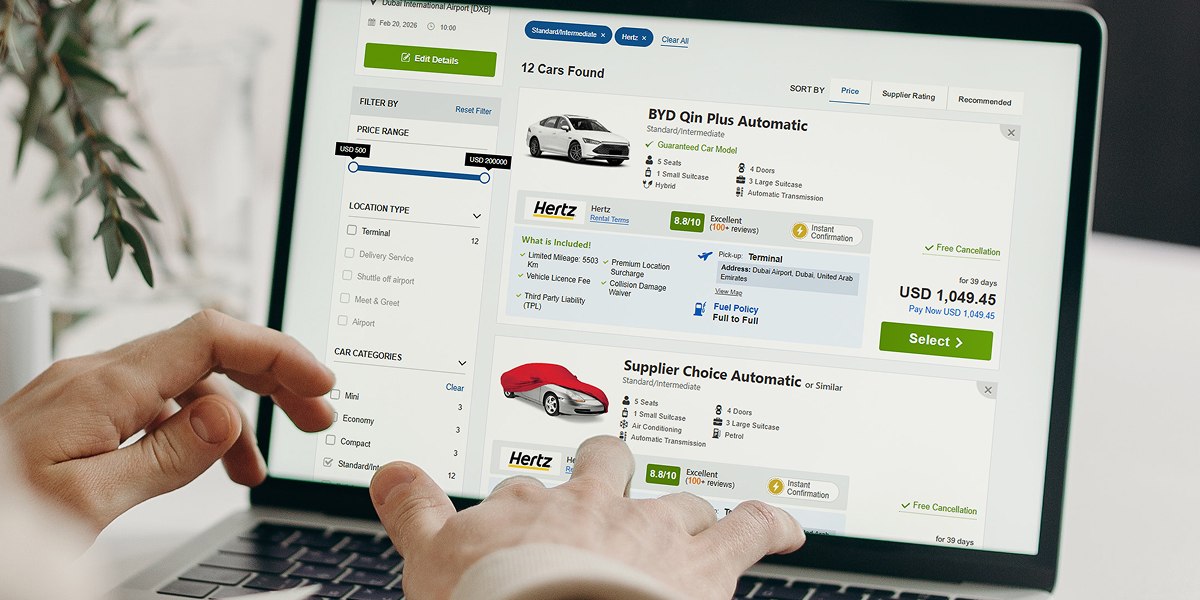
- Early bookings: One of the workable strategies is to book your rental car early. You land up on the best deals and get a wider choice of vehicle.
- Documents ready: Carry your documents - driving license, IDP (if applicable), passport, credit card, and Rental Confirmation Voucher at the time of pickup.
- Credit card: You must carry a credit card in the name of the main driver and ensure it has sufficient funds as it’ll be used by the supplier to hold the security deposit of your rental car. It is released after the rental car is returned.
- Car selection: From economy to compact, standard, minivan, SUVs, etc. there are a good number of car types available. Choose your car wisely depending on your trip and comfort. If you drive solo or have less luggage, you can choose a compact or economy car. On the other hand, if you are driving with family or a group, you can go for an SUV or minivan, whichever suits best.
- Review rental terms: At last, cross-check rental terms of the rental vehicle to avoid any last-minute surprises.
Final thoughts
Renting a car at Sky Harbor International Airport in Arizona is one of the most convenient ways to start your trip - especially for those who want to hit the road right after landing.
While the process is simple and straightforward, knowing a few important details can help you avoid unnecessary delays and confusion.
Now that you know everything about renting a car at Sky Harbor Airport - you’re all set to make the most of your experience.
You may want to know
-
How do I pick up my rental car at Phoenix Sky Harbor International Airport?
After landing, take Sky Train from your terminal and you will be dropped off at the rental car center of Sky Harbor International Airport (PHX). You can find your rental car company’s desk, complete the formalities, and pick up your car.
-
Are child seats available with car rentals at Sky Harbor International Airport?
Child seats and other extras like GPS can be added (depending on the availability) with your rental car during booking or at the rental desk for an additional fee.
-
Is there a wait time for car rental pickup at the Sky Harbor rental car center?
Wait times for picking your rental car at the Sky Harbor rental car center is about 15 to 45 minutes depending on demand and time of day.
-
Is it better to book a car rental in advance for Phoenix Sky Harbor Airport?
Booking your rental car from Sky Harbor Airport in advance will help you secure best prices, ensure better availability and give you access to more vehicle options.
















































































'%3E%3Ccircle cx='0' cy='0' r='7' fill='%23fff'%3E%3CanimateTransform attributeName='transform' type='scale' begin='-0.24691358024691354s' calcMode='spline' keySplines='0.3 0 0.7 1;0.3 0 0.7 1' values='0;1;0' keyTimes='0;0.5;1' dur='0.6407407407407407s' repeatCount='indefinite'/%3E%3C/circle%3E%3C/g%3E%3Cg transform='translate(50 50)'%3E%3Ccircle cx='0' cy='0' r='7' fill='%23fff'%3E%3CanimateTransform attributeName='transform' type='scale' begin='-0.12345679012345677s' calcMode='spline' keySplines='0.3 0 0.7 1;0.3 0 0.7 1' values='0;1;0' keyTimes='0;0.5;1' dur='0.6407407407407407s' repeatCount='indefinite'/%3E%3C/circle%3E%3C/g%3E%3Cg transform='translate(75 50)'%3E%3Ccircle cx='0' cy='0' r='7' fill='%23fff'%3E%3CanimateTransform attributeName='transform' type='scale' begin='0s' calcMode='spline' keySplines='0.3 0 0.7 1;0.3 0 0.7 1' values='0;1;0' keyTimes='0;0.5;1' dur='0.6407407407407407s' repeatCount='indefinite'/%3E%3C/circle%3E%3C/g%3E%3C/svg%3E)